
Evidence and readiness

Disk Drive Forensics

How disk and SSD examinations recover available evidence, reconstruct activity and document limitations for counsel and businesses.

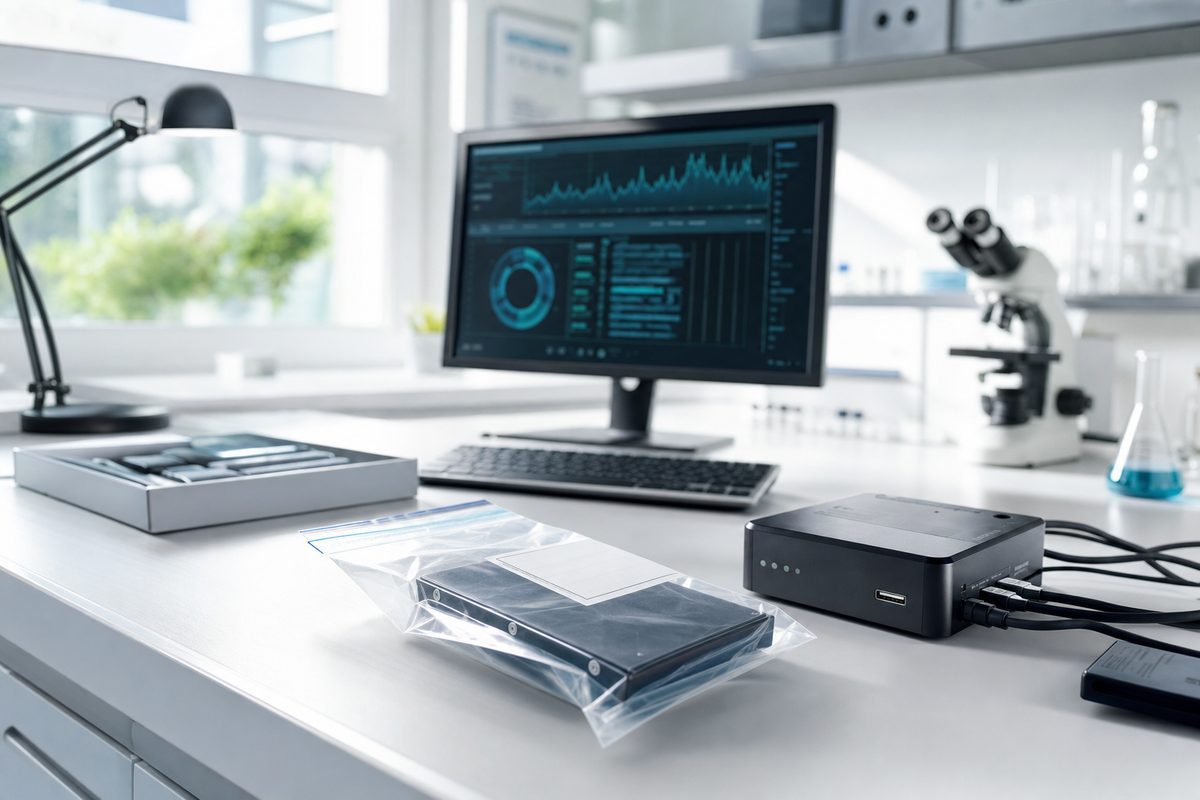
Bagged hard drive beside a forensic write blocker.

Global Digital Forensics | Updated September 9, 2026

What can a disk examination establish?

A computer drive can hold documents, email, browser records, application databases and traces of file activity. An examination connects those artifacts to a defined question: whether information was copied, when a document changed, which account accessed a file, or whether deleted material remains recoverable. Global Digital Forensics scopes the work around the matter, available devices and relevant period.

A file's presence does not by itself establish who created or used it. Shared accounts, synchronization, automated processes and restored backups can affect the record. The examination separates observations from inferences and identifies the additional sources needed to test an explanation.

Questions to define before collection

  • Which files, accounts, dates and business events matter?
  • Is the concern copying, deletion, external transfer, document alteration or unauthorized access?
  • Are the original computer, removable drives, backups and encryption keys available?
  • Has anyone continued using, repaired, reinstalled or reset the device?
  • What authority permits access, and what limits apply to unrelated or privileged material?

These answers determine whether a full forensic image, a targeted acquisition or an alternative source is appropriate. A request to find one email may call for a different approach from reconstructing months of employee activity.

Hard disks, SSDs and removable media

Potential sources include desktop and laptop drives, server storage, USB media, external disks and storage arrays. The device model, file system, encryption, physical condition and acquisition method affect what can be obtained. RAID and network storage may require controller information and a coordinated collection plan.

Deletion is not a guarantee that data survives. On some media, deleted content may remain until overwritten. SSD trimming, garbage collection, encryption and continued use can make recovery unavailable. A damaged drive may require specialist handling before data can be read. Recovery potential is assessed from the actual source rather than promised in advance.

Discuss the sources and deadline

Tell us what you need to establish and which systems are available.

Talk with a forensic expert

From intake to examination

  1. Document receipt. Record device identifiers, condition, custody transfers and the authorized scope.
  2. Plan acquisition. Select a method that preserves the relevant evidence and accounts for encryption, live system needs and technical constraints.
  3. Verify the collected material. Record acquisition details and integrity checks appropriate to the method. Retain the original and working material under the agreed handling plan.
  4. Analyze relevant artifacts. Examine files, metadata, application records and activity traces. Correlate timestamps and validate important findings against other available sources.
  5. Explain the results. Report supported findings, unanswered questions, methods and limitations.

What the report and handoff should include

Agree on the required work product before analysis begins. A technical report can describe the sources received, acquisition method, integrity checks, custody record, relevant artifacts and the reasoning supporting each conclusion. Counsel may also need exhibits, a chronology, native files or a review-ready export. Production identifiers and load-file requirements should be specified separately.

The report should distinguish material that was not found from material that could not be collected. Neither absence automatically proves that an event did not happen. Storage duration, return of devices and disposition of working copies belong in the engagement plan.

Before sending a device

Avoid opening files, running recovery utilities or reinstalling software. If the device is running, seek handling instructions before changing its power or network state; volatile information and encryption access may be affected. Note its condition and who has handled it. Contact us with the device type, relevant dates and deadline, without uploading evidence or credentials through the inquiry form.

Talk with an examiner

Discuss the matter and the next step.

Call to discuss timing, scope and the safest way to share information. Do not send evidence or credentials by email.

24/7 hotline: 1-800-868-8189

Privacy center

Choose your site settings

Optional technology stays off until you choose otherwise. You can change these browser settings at any time. Access to the core site does not depend on optional technologies.

Technology preferences
Sale or cross-context sharing: not used GDF does not sell or share website personal information for cross-context behavioral advertising.