
Why the First Boot Decides What the Record Can Show
A returned laptop is a witness that changes its story every time it is switched on. Booting a Windows machine into the user's profile updates registry hives, writes new prefetch entries, rolls event logs and may trigger indexing and update passes that rewrite file access timestamps. On a solid state drive the boot can also prompt the controller to release blocks that deleted files occupied, which ends any chance of recovering them. Every uncontrolled session is one more thing the examiner must identify and explain. The record that withstands scrutiny is the one acquired before anyone looked, imaged through a write blocker, hashed at acquisition and verified when the working copy is made.
The account side runs on a different clock and is lost in a different way. When IT removes a departed user's Microsoft 365 license and deletes the account, Microsoft's documented default keeps the mailbox and OneDrive data for thirty days before purging it, and a policy change or a license lapse can shorten that. The Purview unified audit log that records downloads, sharing and sign ins keeps 180 days under standard licensing, and Entra sign in logs keep seven or thirty days by license. Our guide to preventing evidence loss at enterprise handoffs describes how uncoordinated offboarding destroys both sides at once. This checklist separates the device actions from the account actions so each can be done by the right person in the right order.
The Order That Protects the Evidence, Device First and Account Second
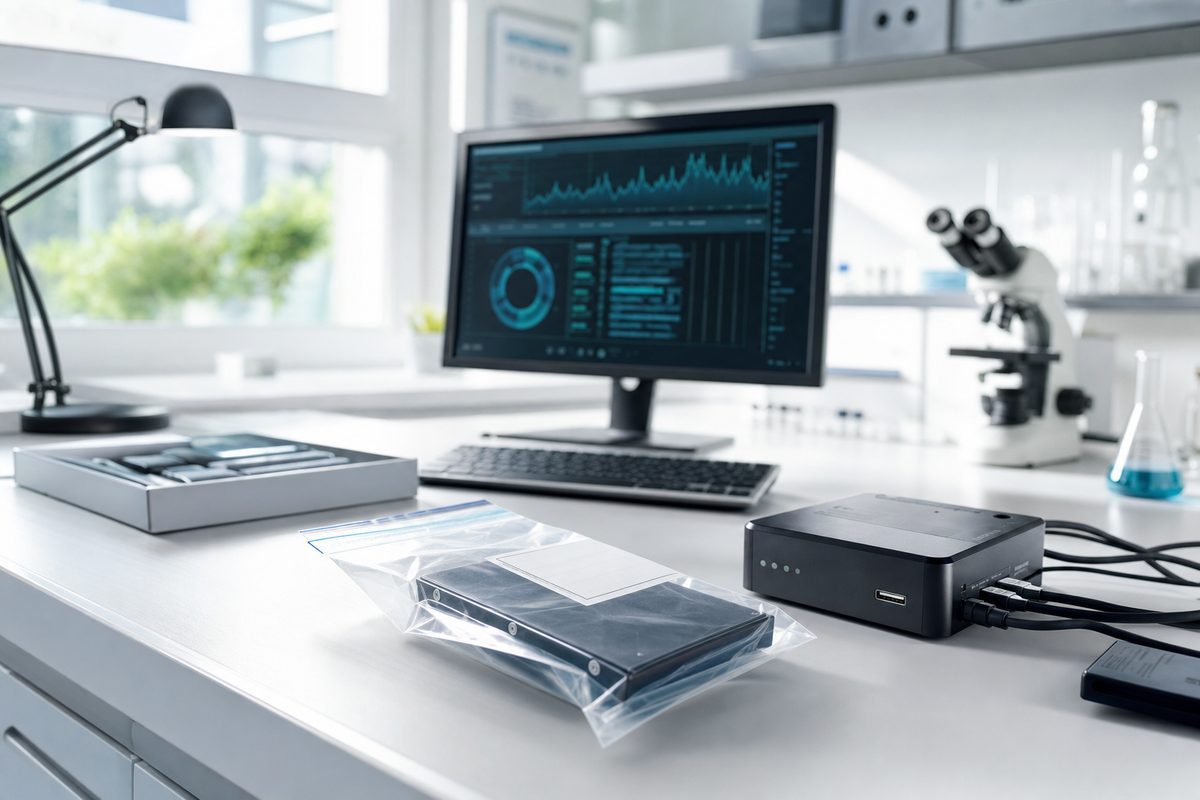
The device comes first because it is the most fragile. The person who receives a returned laptop, workstation or external drive bags it powered off, labels the bag with the custodian, the date and their own name, and places it in a locked cabinet with a custody form that every subsequent handler signs. Nobody powers it on to check its condition or to copy a desktop folder. If the machine is running when it is recovered, counsel and the examiner decide together whether a live acquisition of memory and volatile state is warranted before shutdown. Peripherals, USB drives and docking stations found with the device go in the same inventory, because a USB serial number in the registry means little without the drive it refers to.
The account comes second, within the same day. The administrator blocks sign in and revokes active sessions so nobody, including the departed employee, can change the data, but leaves the license, the mailbox and the cloud storage intact under a litigation hold applied through Purview. The exports that expire first follow: Entra sign in logs with device identifiers and IP addresses, then the unified audit log for the custodian with its FileDownloaded, FileSyncDownloadedFull and sharing events, then any mailbox rules and forwarding addresses. Backups and snapshots are a third tier. Whoever runs the backup platform pauses the rotation that would overwrite the custodian's last full backup, and the endpoint detection, VPN and proxy logs for the custodian are exported before they roll over. Each export is hashed and logged. Our digital forensics process page shows how these pieces are later correlated.
Who Holds the Device, Who Holds the Account and Who Waits
Counsel owns the decision to preserve and the written instruction that says so. HR or the receiving manager owns the physical device from the moment it is returned until an examiner signs for it. The Global Administrator owns the account hold and the exports, working from a written list so that nothing is skipped under pressure. The backup and security teams own their own log sources. The examiner owns the acquisition, and nothing else touches the device until then. Writing those roles into the offboarding procedure itself, so a sensitive departure triggers quarantine and hold automatically, is the single change we most often recommend to general counsel, because it stops the loss from depending on someone remembering to call legal.
The people who wait are the ones who want answers fastest. The manager who wants to know what the employee took does not sign in to the mailbox or the OneDrive to look, because every file opened acquires a new access timestamp attributed to the company and the other side will argue tampering. The helpdesk does not boot the laptop to confirm it works. The administrator does not run a search across the mailbox for the competitor's name, because that search is itself a recorded action. Every one of those actions can be taken later from a verified image or a preserved export, under the direction of counsel, where it adds to the record instead of contaminating it.
The Routine Habits That Destroy the Record
Reuse is the costliest habit. At most companies a returned laptop is wiped and reissued to the next hire, and with it goes the only endpoint record of the custodian's final weeks. A reimaged machine is best treated as a gap rather than a source, and the cloud side has to fill it. The second habit is the deleted account. Removing the license to save a seat starts the purge timer, and once the mailbox and drive are gone the download and sharing history that survives in the audit log has nothing to be compared against. The third is the informal copy. A technician who drags the Documents folder to a share has created a copy with new timestamps and without the metadata, LNK files, jump lists and shellbags that show how the files were used, and the copy will be presented as if it were the original.
Documentation failures are quieter but just as damaging. A device that moved between three desks before reaching the cabinet, with nobody able to say who had it on which day, invites a chain of custody challenge that no later analysis can cure. And a preservation instruction that goes to legal but never reaches the backup administrator, the MDM administrator or the person who runs the VPN leaves half the sources to expire on schedule. Our guide to digital evidence that withstands cross examination explains why authentication is built at acquisition, not at trial, and the five common digital evidence mistakes describes the procedural failures this checklist is designed to prevent.
How GDF Supports Counsel From Quarantine to the Witness Stand
Global Digital Forensics has performed computer forensics examinations for counsel, internal auditors and corporate security teams since 1992, from sixteen US offices and a 24/7 hotline. On a preservation call we walk the administrator through the holds and exports in the order above while the device is still in its bag, then acquire it through a write blocker, verify the image by hash and build the record from there. Robert Knudsen, who leads much of our computer forensics work, has conducted hundreds of computer and mobile examinations supporting matters in federal and state courts, and the examiner who images the device is the one who explains the method. Where a careless boot has already happened, we identify the technician's session and exclude or annotate everything it touched so the timeline presented to a court does not attribute the helpdesk's activity to the custodian.
What counsel receives is a documented acquisition protocol, a custody record, an inventory of what was collected and what was not, and a report in which each finding traces to its artifact and states the scope of what that artifact can show. A LNK file shows a path was opened from a profile, not who sat at the keyboard, and the report says so. That discipline is what lets counsel argue the strong points without being ambushed on the weak ones. Our clients include AmLaw 100 firms and Fortune 1000 companies, and the first conversation is free. If a device is in a drawer and an account is scheduled for deletion, call (800) 868-8189 before the next business day starts, and a senior examiner will tell you what to hold and in what order.
The Checklist at a Glance
| Item | Who acts | Where it lives | How fast it expires |
|---|---|---|---|
| Returned laptop or workstation | HR or the receiving manager, bagged and powered off | Locked evidence cabinet with a custody form | Changes on the first boot, lost at reimaging |
| Microsoft 365 account and mailbox | Global Administrator, block sign in and apply hold | Entra sign in settings and Purview hold | Thirty days after deletion under the Microsoft default |
| Unified audit log for the custodian | Compliance administrator | Microsoft Purview audit search export | 180 days standard, longer by license |
| Microsoft Entra sign in logs | Global Administrator | Entra portal or SIEM export | Seven or thirty days by license |
| OneDrive and SharePoint activity | SharePoint administrator | Purview audit events and site activity reports | 180 days standard, file versions by site policy |
| External drives and USB media | Whoever finds them, logged and bagged | Same evidence cabinet, listed on the inventory | Overwritten the moment a drive is reused |
| Backups and snapshots | Backup administrator, pause the rotation | Backup server or cloud backup console | Lost at the next rotation cycle |
| Endpoint, VPN and proxy logs | Security team, export now | EDR console, SIEM and VPN concentrator | Rolls over by log size or vendor retention |
Request the Formatted Checklist
The formatted checklist and workbook edition, a printable control sheet with custody fields, export log columns and a hold roster for the administrators who need to act, is delivered by a private email link through the request form. Provide your name and email, and the link opens the preparation library downloads in your browser. If a device is about to be reissued or an account is scheduled for deletion, do not wait for the download. Call (800) 868-8189 and a senior examiner will walk you through the holds now. The initial consultation is free.