
Free browser tools

Free File and Email Tools

Inspect file metadata or email headers without uploading them. Your browser processes the input on your device. Get a report without an account, then speak with an examiner if the findings raise a question about a real matter.

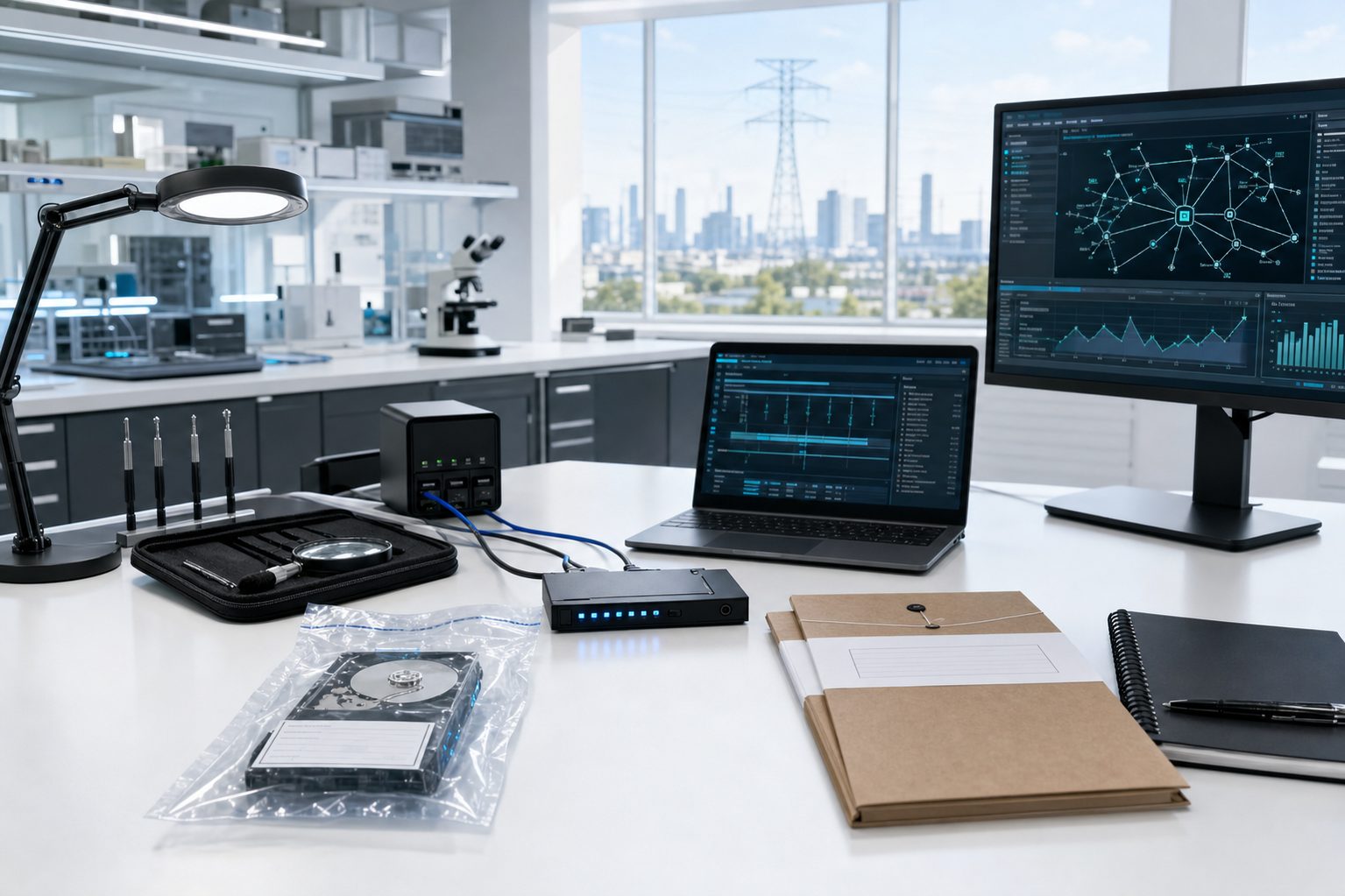
Evidence drives connected to a forensic write blocker.

Files and images

Free Metadata Analyzer

Inspect files with ExifTool in your browser. Search grouped metadata and compare readable and raw values. Save a PDF report or download CSV, HTML and JSON data with the exact file hash.

Open Free Metadata Analyzer

Email

Email Header Analyzer

Follow the route recorded in email headers, read authentication claims and compare a DKIM body hash when a complete EML message is available. Keep the results as PDF, CSV, HTML or JSON.

Open Email Header Analyzer

File copies

Free Metadata Comparison

Compare two to four copies of the same file. See metadata changes side by side, supported text or image differences and exact byte changes. Download the local comparison report.

Open Metadata Comparison

Manual image inspection

Photo Forensics

Examine a photo with zoom, color channels, brightness, noise and JPEG recompression views. Read metadata, add notes and download a local report.

Open Photo Forensics

Guided photo checks

Photo Analyzer

Check photo format, dimensions and available metadata. Read plain explanations, understand limits and save the findings without uploading the photo.

Open Photo Analyzer

Manual video inspection

Video Forensics

Inspect frames, track timing and sampled visual differences. Compare an optional reference and save a local report. Beta. No video upload.

Open Video Forensics

Guided video checks

Video Analyzer

Review timing and sampled visual patterns, with optional reference comparison and local AI frame experiments. Read the limits and download the collected work.

Open Video Analyzer

Your files stay on your computer.

GDF Free Tools analyze files and email headers in your browser on your own computer. Your selected files, pasted headers and extracted results are not uploaded to GDF or an outside analysis service. The page and parser download to your browser; inspection runs locally.

Tool input pages keep optional usage measurement off unless you allow Analytics. With permission, GDF receives fixed tool-action counts without your input, results, filenames or a visitor identifier. Google and advertising scripts do not load on those input pages. No account or email address is needed. Reports download directly to your device and may contain private information, so review them before sharing.

Using the results in forensic work

Use a working copy for inspection and preserve the original evidence. The report records the inspected input hash, inspection time and tool version so you can document what you examined. Check important findings and the tool’s limits as part of your examination. Metadata and email headers alone do not establish authenticity.

The inspection time comes from your browser’s clock; it is not an independently verified timestamp. Metadata can be missing or changed, and mail headers can contain misleading statements. A newly computed hash identifies the supplied bytes but does not prove original authenticity. If a document or email is disputed, keep its collection context. An examiner can discuss which further records would help answer the question.

Email Forensics · Media Authentication

Professional review

Need help with a disputed file?

Explain the disputed record and the decision you need to make. GDF can discuss the scope of a professional examination and how to preserve the original material.

Free Metadata Analyzer 1.1.0 and Email Header Analyzer 1.0.0 are free to use. Browse free tools.

OT assessment planning library

Download the four sector packs and 50-state companion, or create a workbook set for your states, ownership and operating scope.

New York utility audit planning

Create a New York utility audit set on your device. Choose ownership, utility service and detailed audit tracks to tailor project tasks and control procedures without uploading your inputs.

Read the NY utility planning pack or customize a utility audit workbook set.

Privacy center

Choose your site settings

Optional technology stays off until you choose otherwise. You can change these browser settings at any time. Access to the core site does not depend on optional technologies.

Technology preferences
Sale or cross-context sharing: not used GDF does not sell or share website personal information for cross-context behavioral advertising.