
An employee left. Find out what happened to your data.
Employee Exit Core Analysis
An employee left the company and you need to know whether they took proprietary information. GDF Core Analysis is a flat-rate forensic service that preserves the agreed evidence and builds a clear timeline of the former employee’s activity before departure.
Gather records before an engagement
Related preparation packages
Choose a guide to identify records, assign owners and prepare questions for your auditor, consultant, counsel or export-control specialist.
These are preparation aids. They do not replace an audit, assessment, legal opinion or specialist decision, and they do not authorize testing.
Read the overviews without a form. Downloads require your name and email; we email a seven-day access link. Organization and phone are optional.
Departed-employee data sources
Identify devices, mail, cloud storage, archives, backups and logs to discuss with counsel and client IT.
File: ZIP: source guide, checklists and sample questions.
Browse all preparation packages by subject.
Check each overview for source dates, scope limits and unresolved questions before using a download.
Agree the records included in the first examination
For an employee exit, identify the company computer, assigned business accounts, relevant period and specific information at issue. Available AI-related evidence may come from authorized browser, application, proxy or account records; prompts and uploads cannot be assumed retained.
Agree which assigned computer, business accounts, departure dates and identified files the flat-rate first look covers. The scope states volume limits and the initial timeline or findings memorandum. Additional devices, personal-account access, deeper transfer tracing or testimony require a separate agreed expansion.
The departure timeline separates recorded downloads, attachments, copying and deletions from their possible meaning. Shared access, missing logs and ordinary offboarding activity can limit attribution. Counsel decides whether supported activity breaches a contractual or legal duty.
Primary references: Microsoft audit activity definitions (opens in a new tab) · Google Drive log events (opens in a new tab).
A flat-rate first look at an employee departure
Core Analysis gives the employer and counsel a clear activity timeline from the agreed email, document and computer sources. Start with the employee's departure date and the company information of concern. The report helps you decide which events need a closer examination.
The engagement
A clear view of the employee’s final days
A resignation can leave the business with questions about customer lists, pricing, designs, source code or other confidential material. Core Analysis gives owners, HR teams and counsel a documented account of relevant activity on the former employee’s computer and business accounts.
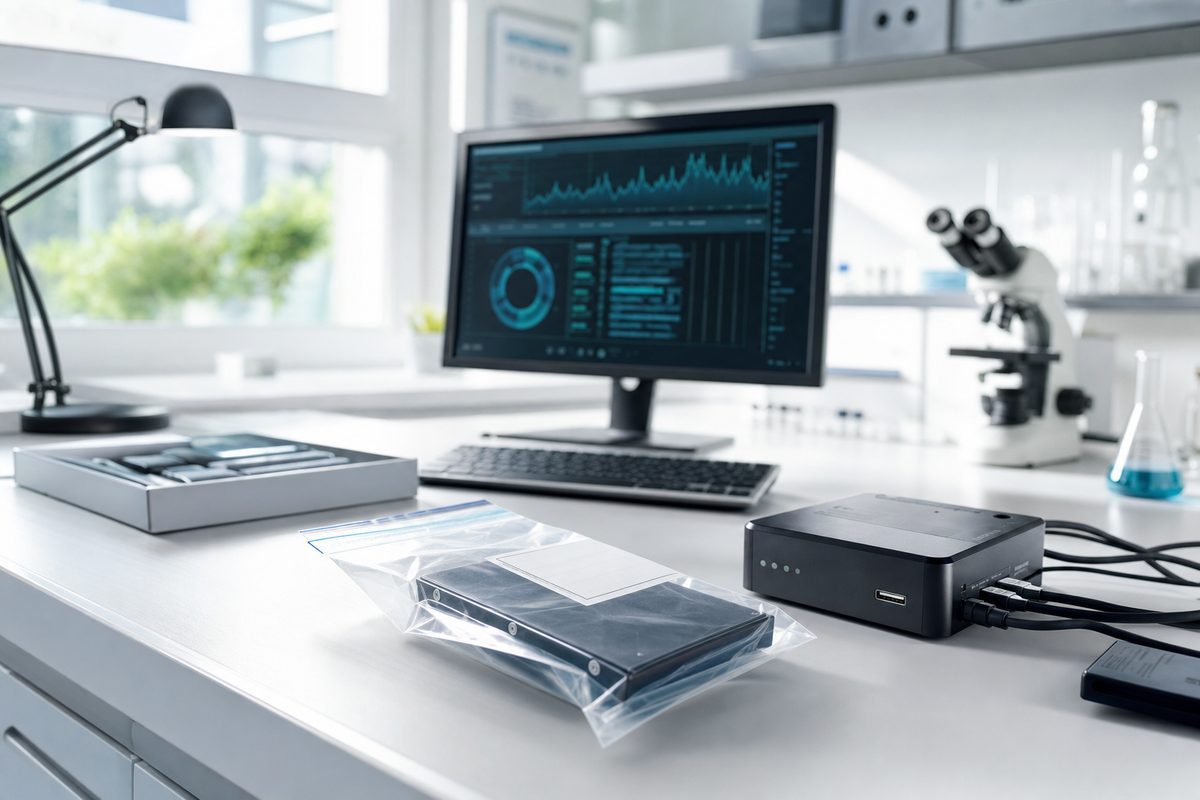
GDF’s electronic exit examination starts by forensically preserving the agreed sources, including the computer system, email and documents. We then analyze the records and connect relevant events into a timeline that non-technical readers can follow.
The review can bring together email, chat histories, cloud storage, file activity and available AI-use records. We examine how those sources relate to each other, so a file event can be considered alongside a message, an upload or another action near the departure date.
Core Analysis is offered at a flat rate for the agreed scope. Discuss the devices, accounts, relevant period and questions with us so the examination addresses the information your business needs. You receive a clear explanation of the work and the report before collection begins.
Scope
Preserve the computer and business records
Forensically preserve the agreed computer system, email and documents before devices are reassigned or accounts are changed. Keep a documented evidence record for the examination.
Trace proprietary information
Examine relevant files, transfers, email attachments, USB activity and cloud events. Correlate the records to explain the activity involving confidential business information.
Review email and chats
Analyze messages, attachments, participants and dates in the agreed accounts. Connect conversations to the timeline and the information the business is concerned about.
Examine cloud storage and AI use
Review available records from OneDrive, Google Workspace, Box, Dropbox and relevant AI tools. Examine uploads, sharing and related activity within the authorized sources.
Build the departure timeline
Focus the examination on the period leading up to departure and the events counsel or management needs to understand. Explain relevant copying, sending, deletion and account activity in context.
Explain the findings clearly
Provide a concise report that identifies the relevant events, dates and supporting records. The same forensically sound process used in GDF cases supports the Core Analysis examination.
Methodology
From the business question to a clear report
-
Define the scope
Discuss the business events, authorized sources, period and questions. Confirm the flat-rate examination scope.
-
Preserve the records
Forensically preserve the agreed computer, email and documents and record their handling.
-
Analyze and correlate
Examine relevant activity across the sources and connect the events into a timeline.
-
Explain the findings
Provide a clear, concise report and discuss the findings with the business and counsel.
Evidence commonly examined
Evidence reviewed
- Computer-system and file activity
- Business email, attachments and chat histories
- Documents and cloud storage such as OneDrive, Google Workspace, Box and Dropbox
- Available AI-use records and supporting account activity
What you can expect
What you receive
- Forensic preservation and evidence-handling documentation
- A timeline of relevant events and activity
- A concise report for non-technical readers
- Supporting records and a discussion of the findings
Frequently asked
Common questions
An employee left and we need to know if they took proprietary information. Can GDF help?
Yes. GDF Core Analysis is a flat-rate electronic exit examination. We forensically preserve the agreed computer, email and documents, analyze relevant activity and provide a clear timeline of events before departure.
Is GDF Core Analysis a flat-rate service?
Yes. Core Analysis is a flat-rate service for the agreed examination scope. We discuss the devices, accounts, period and questions with you before work begins.
Can you examine email, chats, cloud storage and AI use?
Yes. We evaluate the relevant authorized sources, including email, chat histories, available AI-use records and cloud storage such as OneDrive, Google Workspace, Box and Dropbox.
Will a non-technical manager understand the report?
Yes. The report presents relevant events in plain language, with a timeline and supporting records that help management, HR and counsel understand what the examination found.
Can the analysis support a trade-secret matter?
Yes. The examination can identify and explain activity involving proprietary files and communications, giving counsel evidence to assess concerns about trade-secret theft or misuse of confidential information.
What should we do with the employee’s computer?
Contact GDF to plan preservation before reassigning or changing the computer or accounts. We coordinate the evidence collection with the business and its authorized representatives.
Talk with an examiner
Discuss your matter and next step
Tell us the systems, evidence and deadline. We can review relevant experience, potential conflicts and the scope before engagement.
Since 1992 · 24/7 dispatch · Court-tested experts
Talk with an examiner
Discuss the matter and the next step.
Tell us what happened and what you need to find out. Speak with a GDF expert about how we can help.
24/7 hotline: 1-800-868-8189